
A whole system, made safe
Not an app, not a filter on top of something else: the entire computer. No ads, no store, no open internet. Only what you choose.
Kidux is a complete operating system for children, with everything ready to learn. Put it on an old computer and hand it over with peace of mind.
Free for families · In English and Spanish · Code published
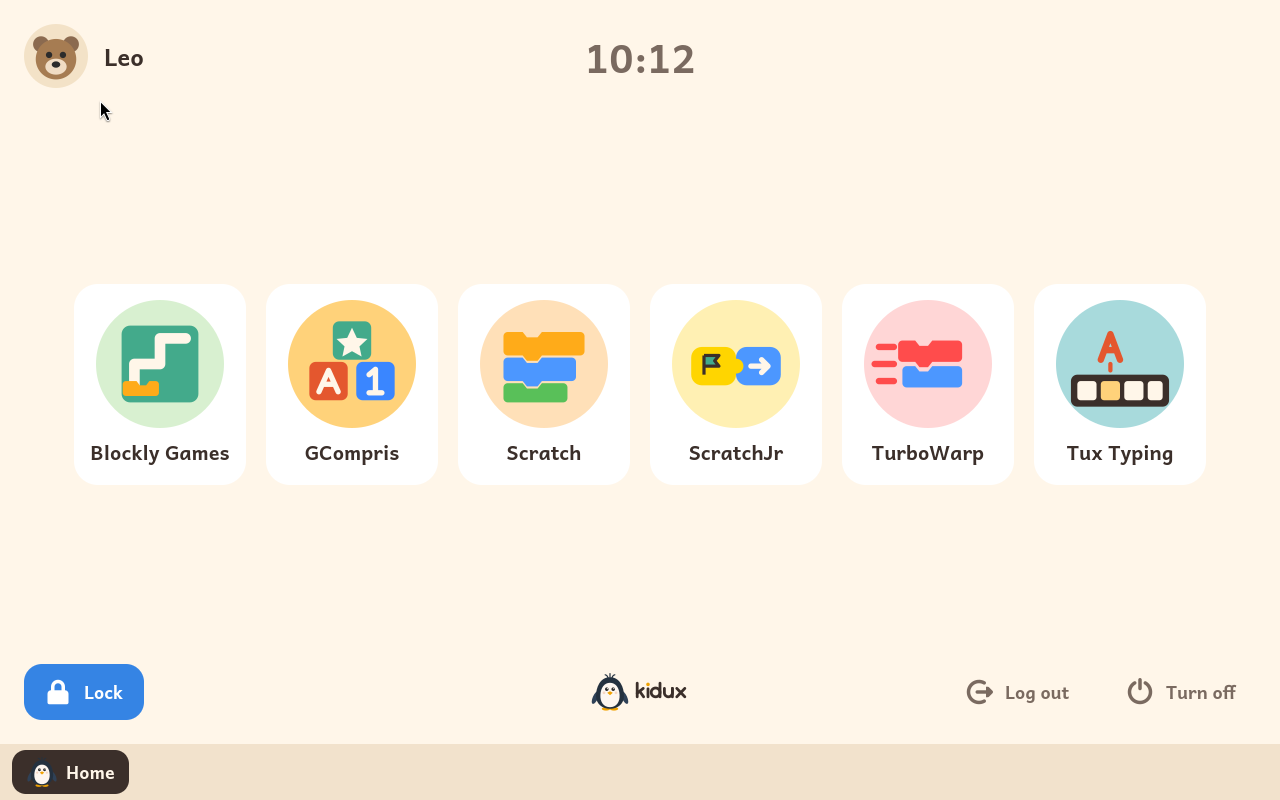
Not an app, not a filter on top of something else: the entire computer. No ads, no store, no open internet. Only what you choose.
Each activity fills the screen, with nothing to wander off to. When they are ready, switch windows on and it becomes a real desktop.
Coding, logic, maths, reading and typing. Modules install with one button, already set up, with the focus on STEM.
Almost any PC or laptop made since 2008 will do. Give that old machine a second life.
Raspberry Pi 5, coming soonTheir picture, their name, their password. And inside, only what an adult has chosen.
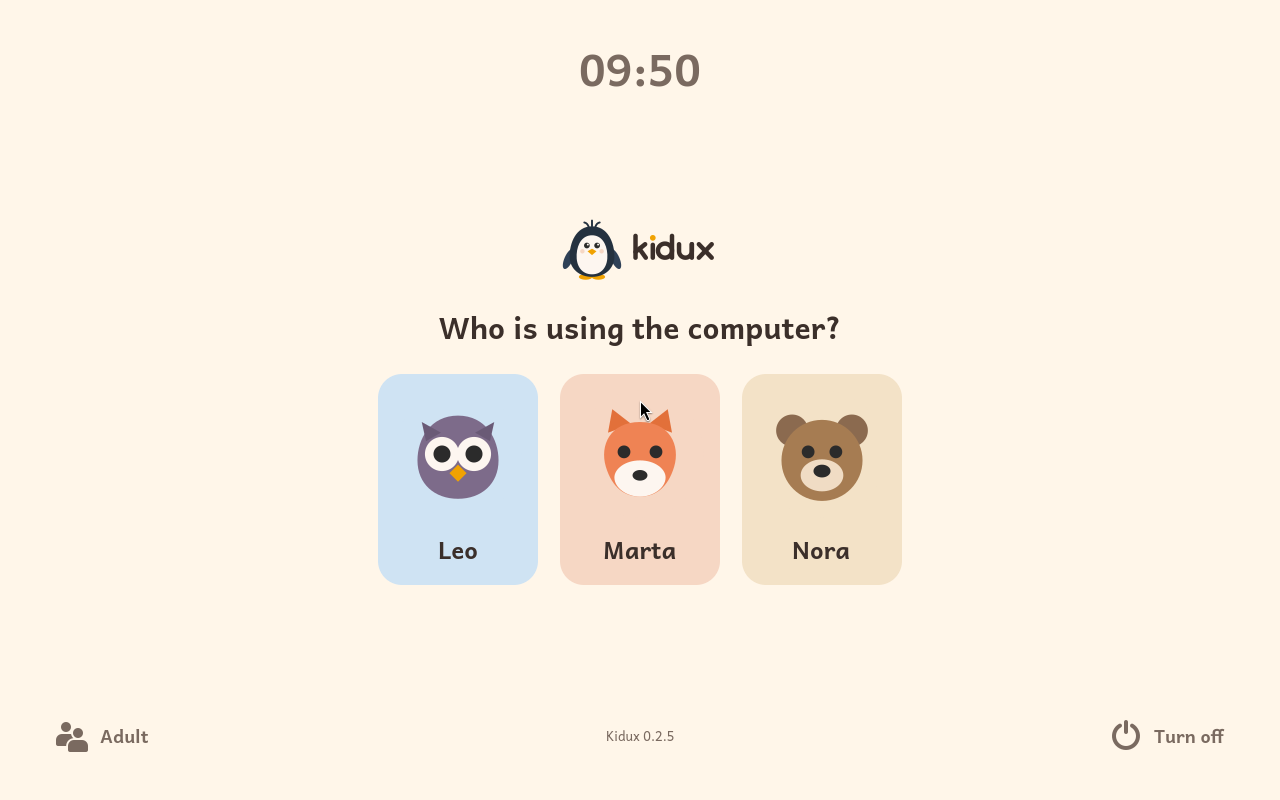
Start simple. Open it up when they are ready.
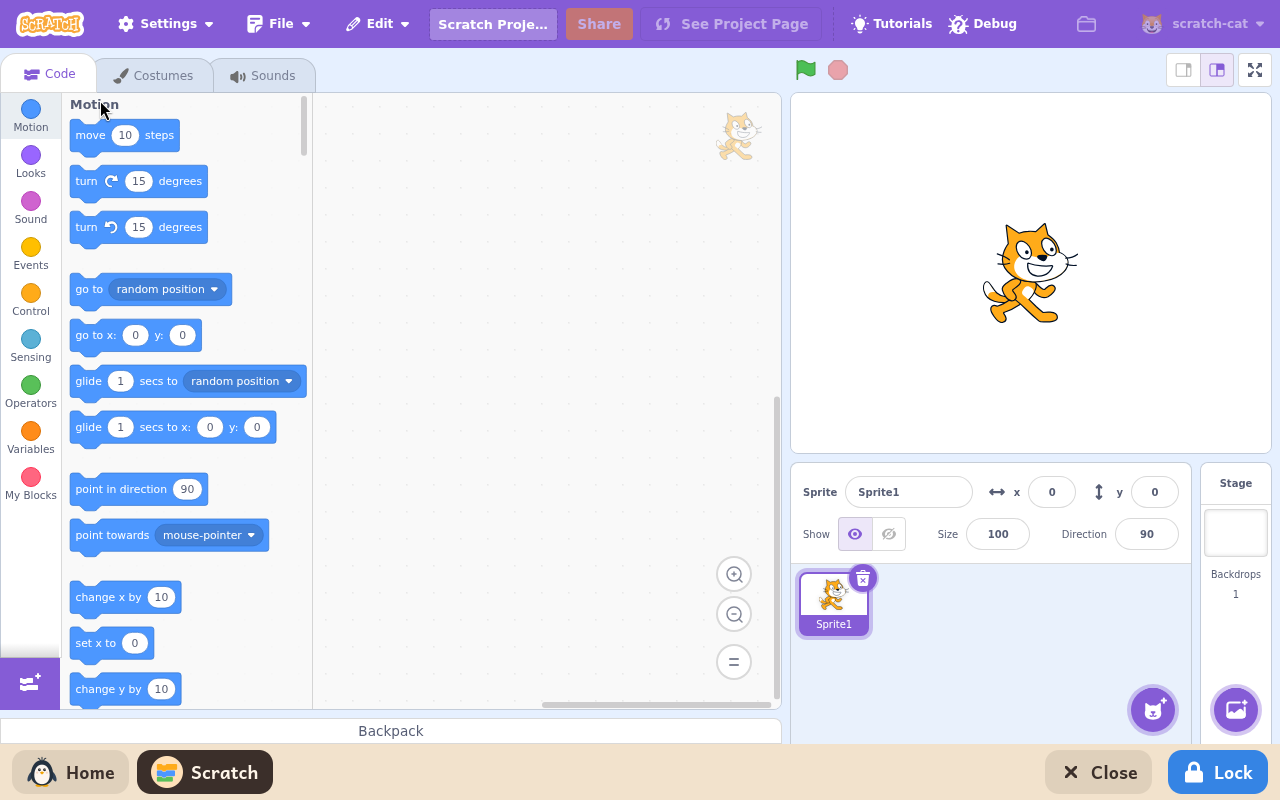
How every child starts: one activity on the screen, and a bar along the bottom to go home.
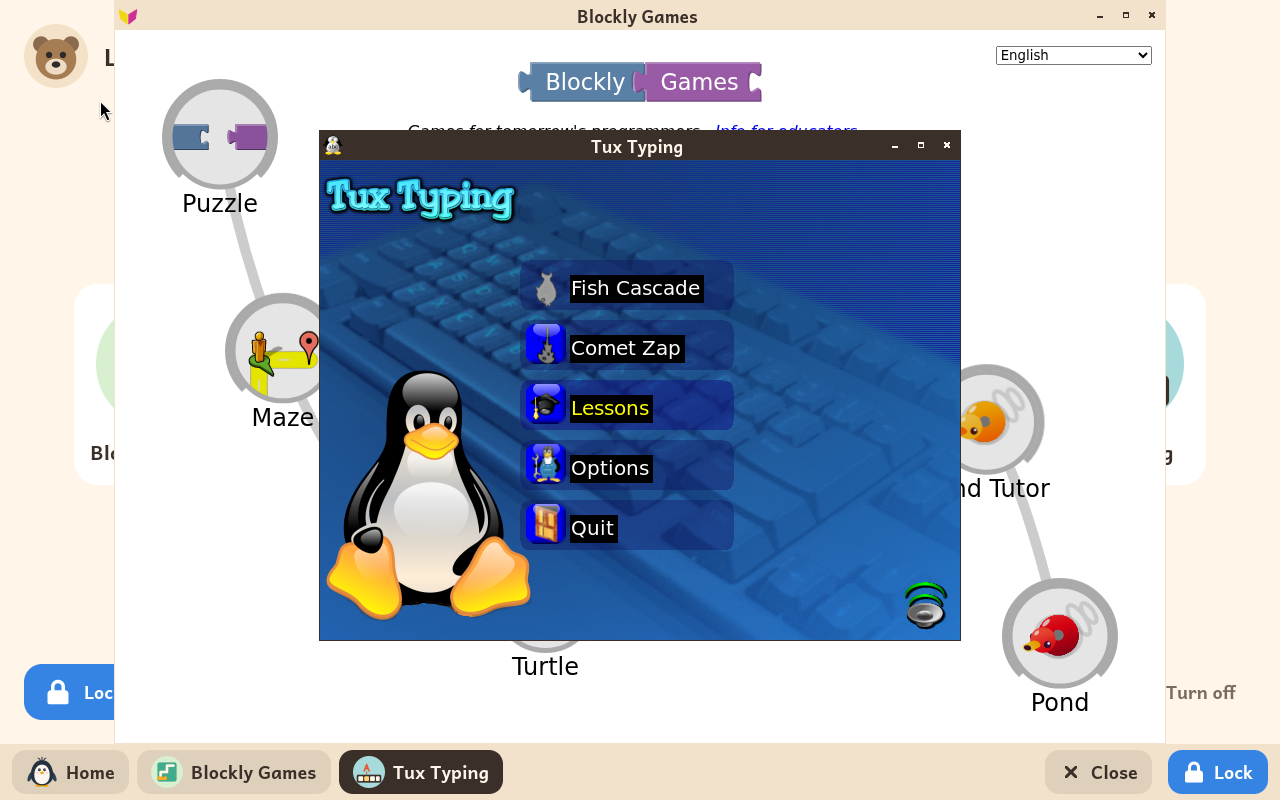
For an older child: several programs in view, to move and resize, as on any computer.
The programs teachers trust, installed and set up for you.
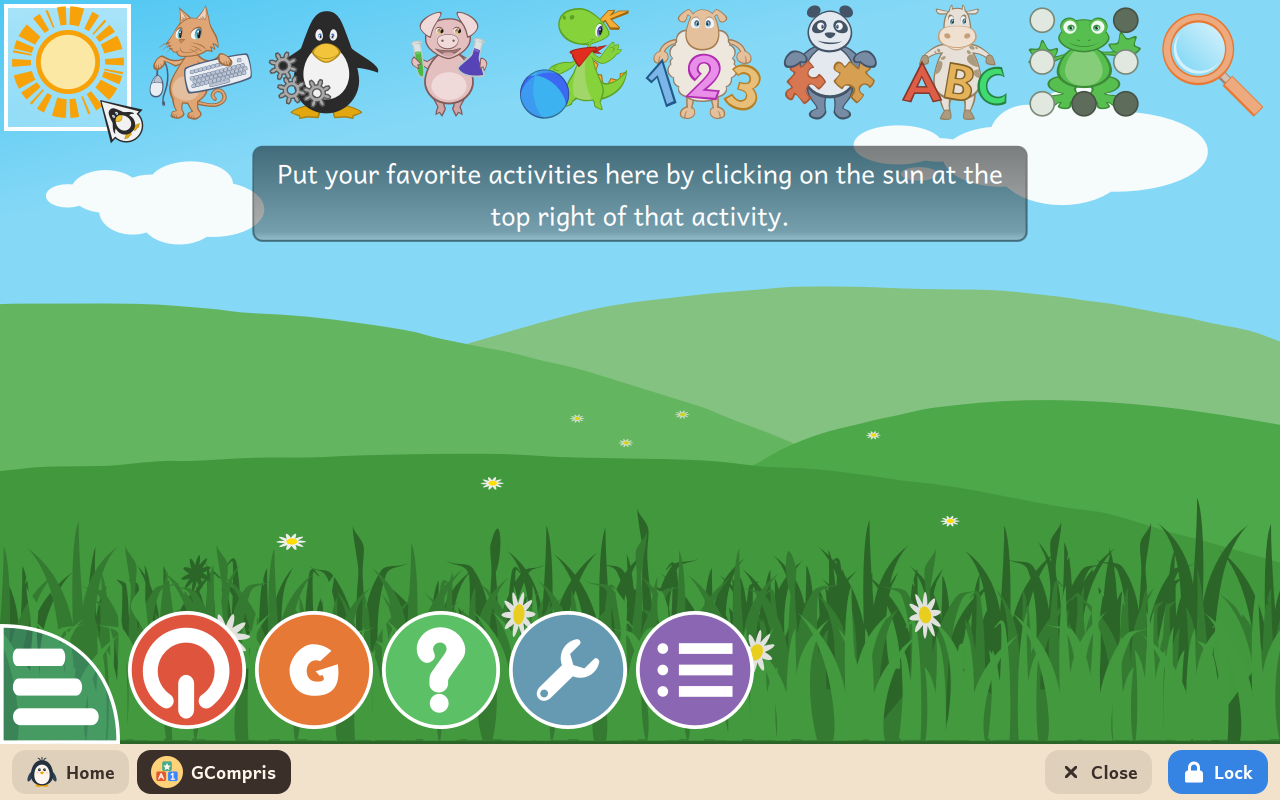
Over a hundred activities: reading, counting, colours, the keyboard and the mouse.
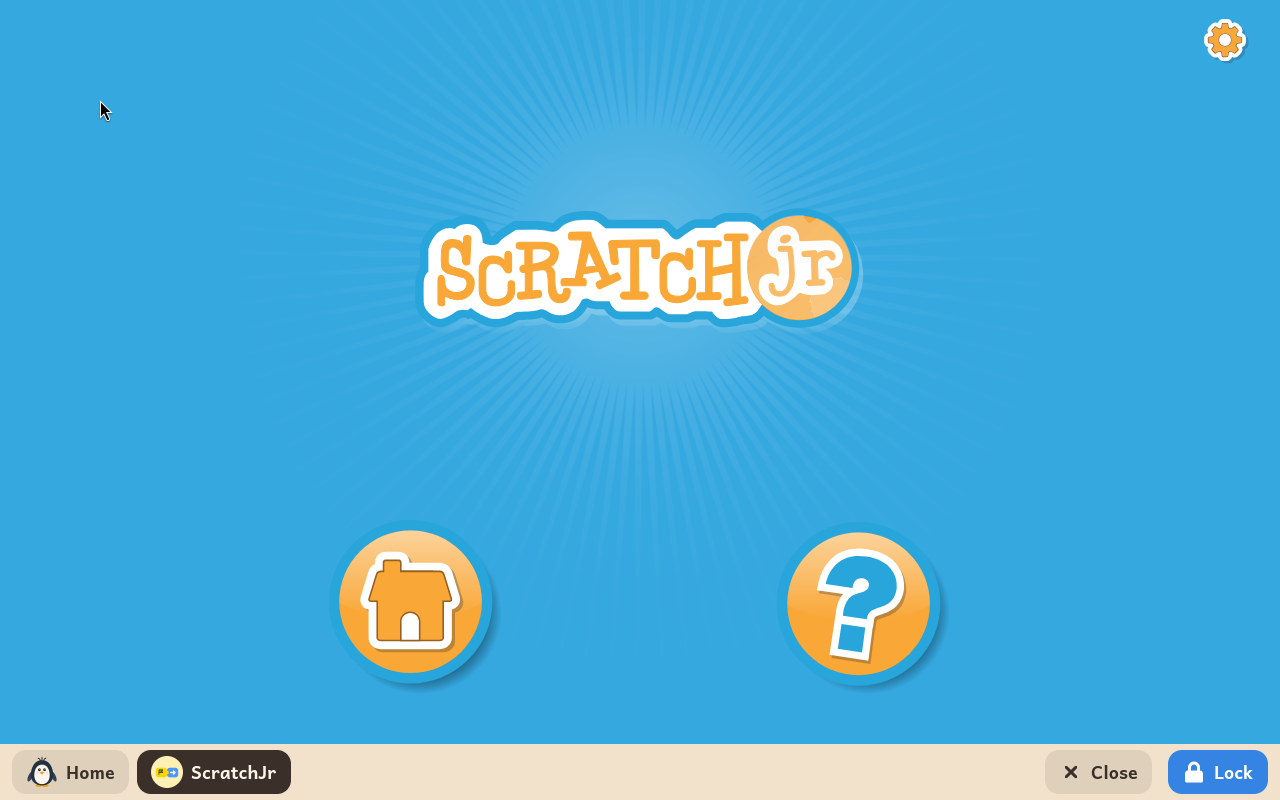
Stories and games made with picture blocks. No reading needed.
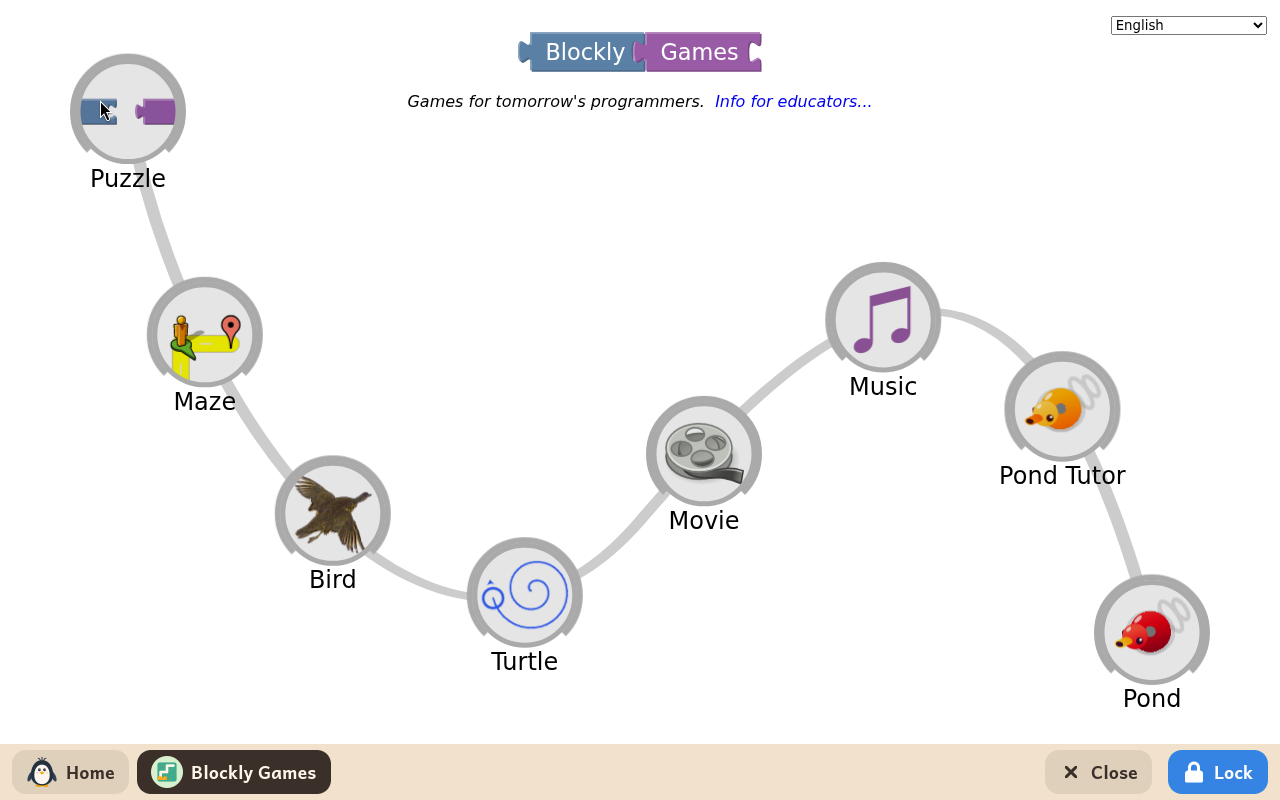
Puzzles that teach coding, one step harder each time.
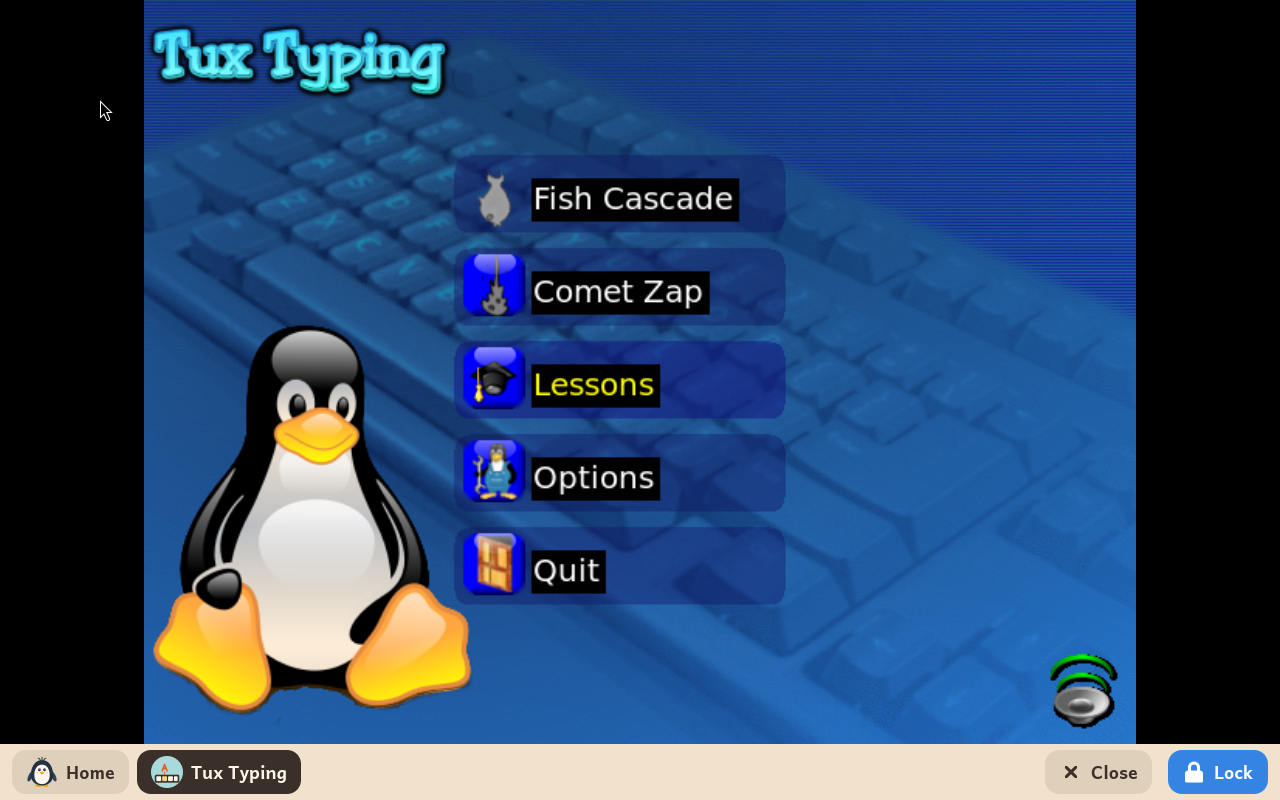
Learn to type by catching the letters and words that fall.
Make games and stories with blocks, as at school.
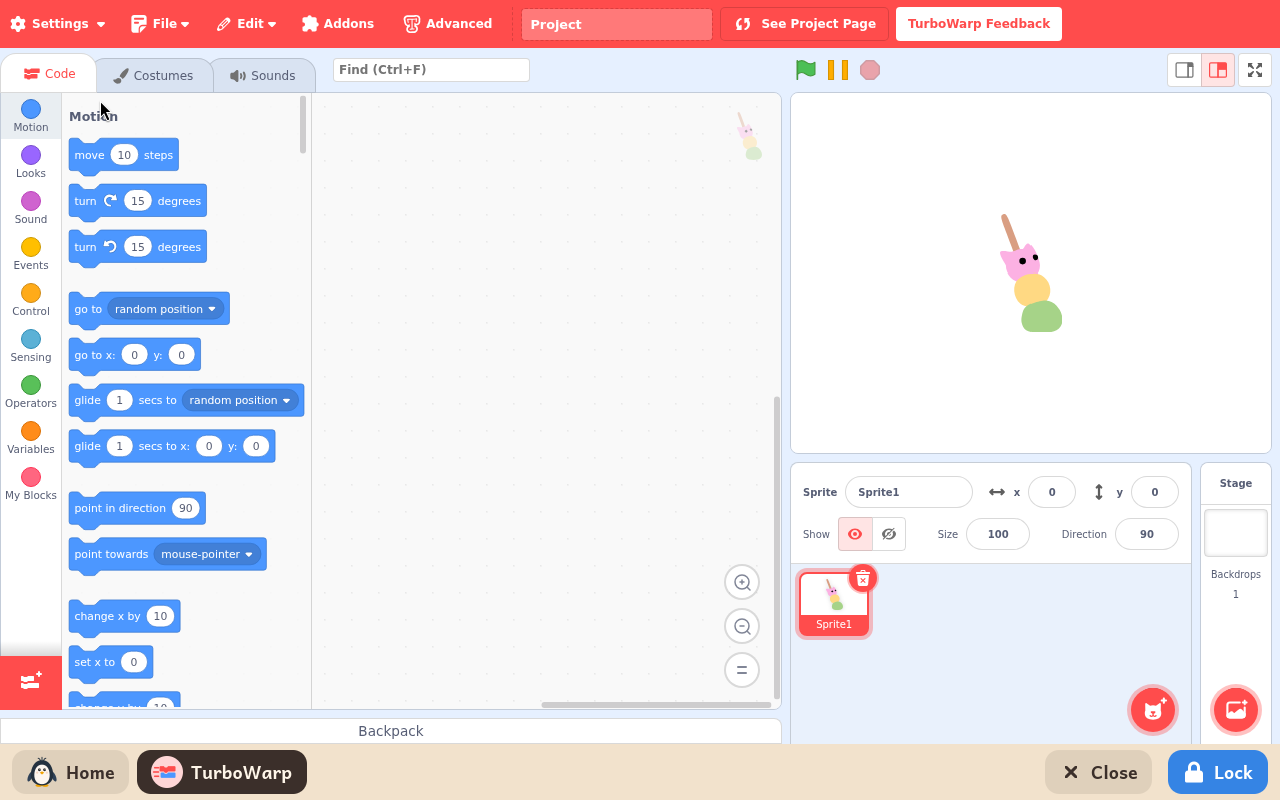
Scratch made faster, for a slower computer.
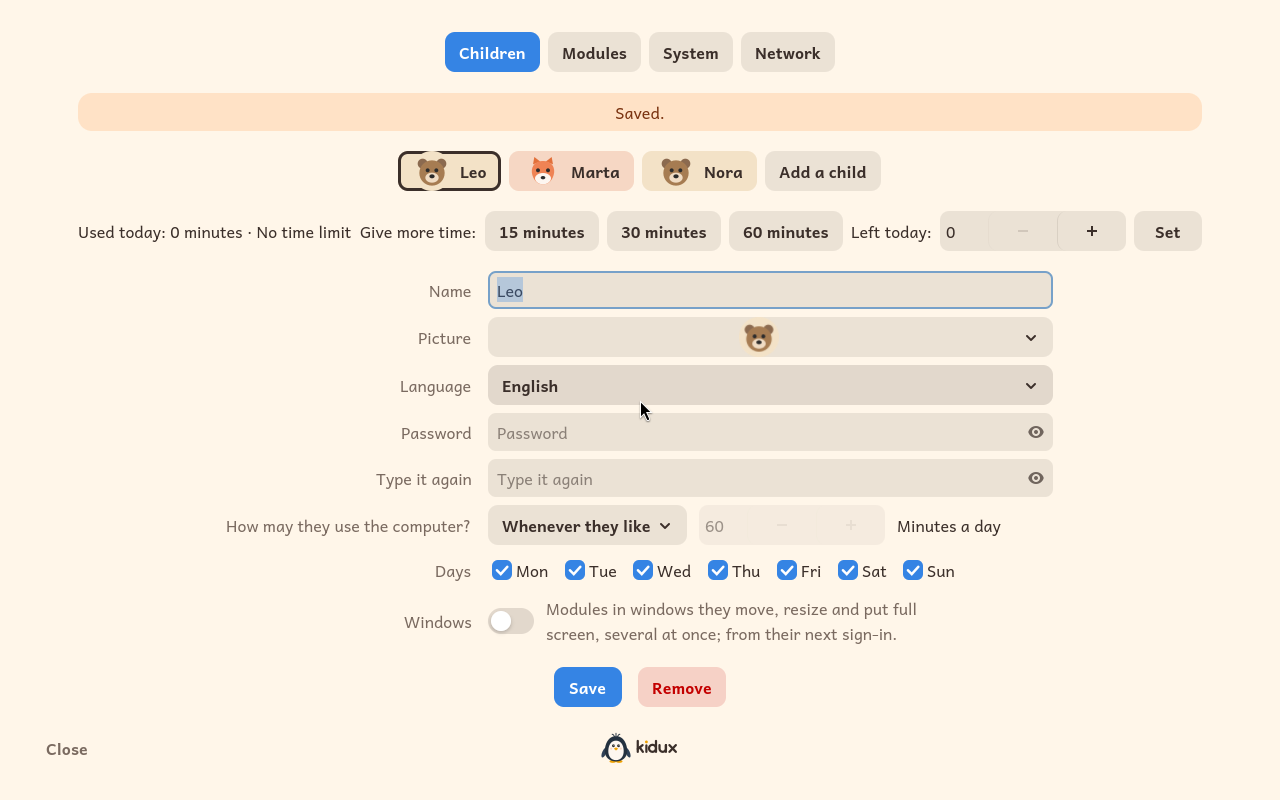
An adult panel, behind a password that is never typed where a child could catch it.
The first installable image is on its way. Write to us and we will tell you the day it is ready.
And clear about everything else.
For you and the children in your care. No account, no sign-up, no small print.
The licence is free too. We only ask you to write to us for it: we like to know where Kidux is used.
Ask for a licenceEvery line is published on GitHub. Each version becomes free software, under the GPL, four years after it comes out.
See the code
Kidux is an independent project. A donation pays for the time to build it and for testing it on real computers.
Donate with GitHub SponsorsAny amount helps. Thank you.
A question, an idea, a school that wants to use Kidux: write to us.